Hardware and smart devices

AIBox includes event verification software. Also explore interactive devices and fire-panel manipulators.

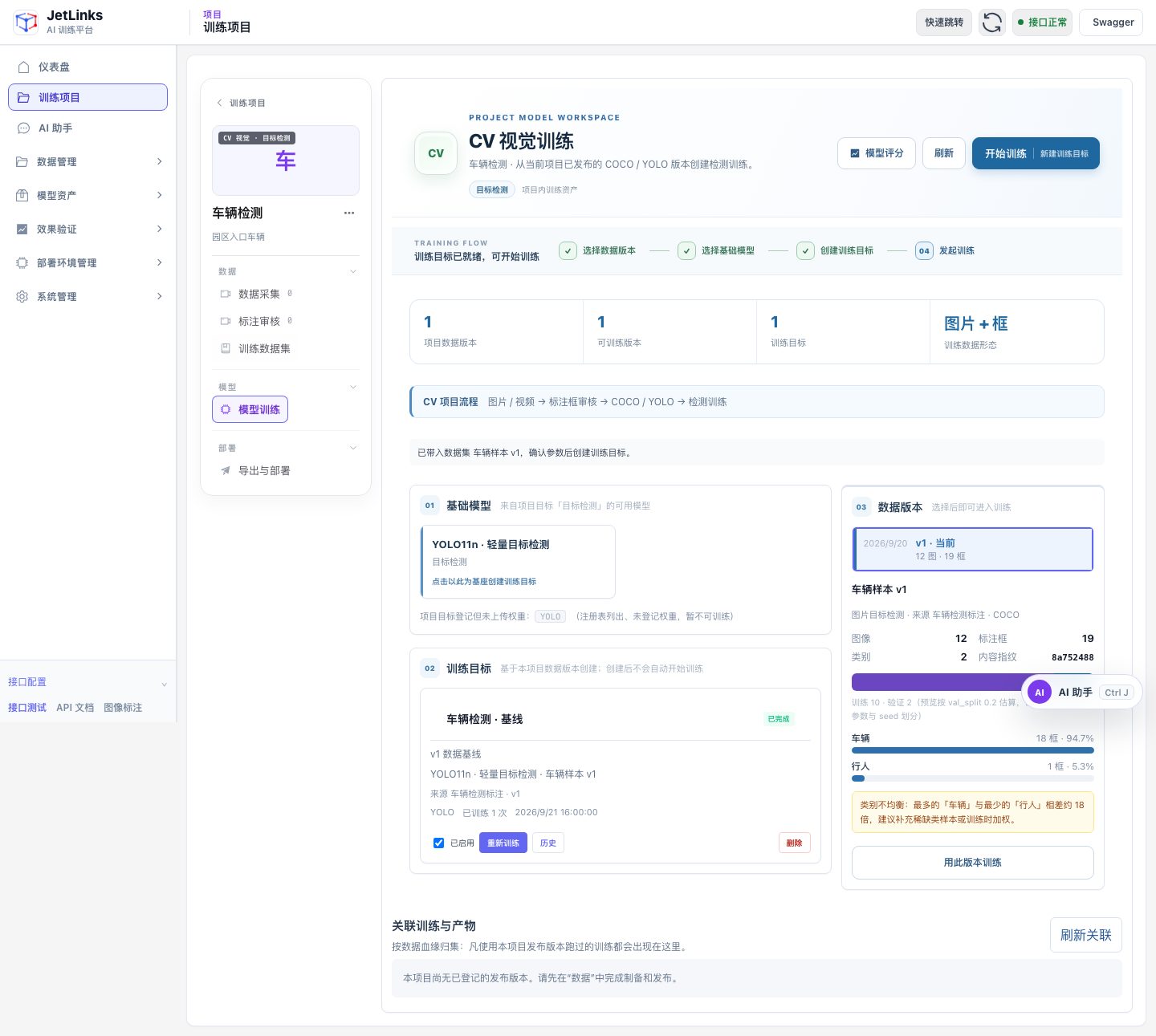
Current CV training workspace (test data)
Current training platform interface (test data)
Product 01 · Self-training AI platform

Training Platform

Self-service AI model training platform for industrial and IoT field use. Available now. Goes from data to model in one flow. No algorithm background required.

  • Iterative training workflow: collection, automatic annotation, training, evaluation, conversion, validation and feedback
  • Conversational operation via AI assistant. Key parameters are confirmed on cards before execution.
  • CV models and multimodal large models managed uniformly by series and version
  • One-click conversion to ONNX, TensorRT, Ascend OM, SOPHGO BModel
Delivery Format
On-premises software · training appliance (standard workstation)
Deployment
On-premises deployment, web console
Data boundary
Data never leaves the customer environment
Use cases
Construction site safety, perimeter intrusion, campus access points, workshop compliance, gas station safety

Data collection and iterative training

Use operational feedback data for iterative training and evaluate model changes on separate test data.

Sample collectionVLM auto-labelingAuto trainingModel evaluationModel conversionField validationHigh-value sample upload

AI assistant

Query run status via chat. When creating data sources, collection tasks or training tasks, parameters are shown as cards and only execute after confirmation.

Three training entry points

Quick training, CV model training, large model training. Supports single-run standard training and start/stop self-evolving training.

Data and labeling

Batch or loop frame extraction from RTSP streams. AI generates candidate boxes for manual review. AI-generated images can fill sample gaps.

Models and conversion

Unified management of CV models such as YOLO and DEIMv2, and multimodal large models such as Qwen2.5-VL. One-click conversion to ONNX, TensorRT, OM and BModel.

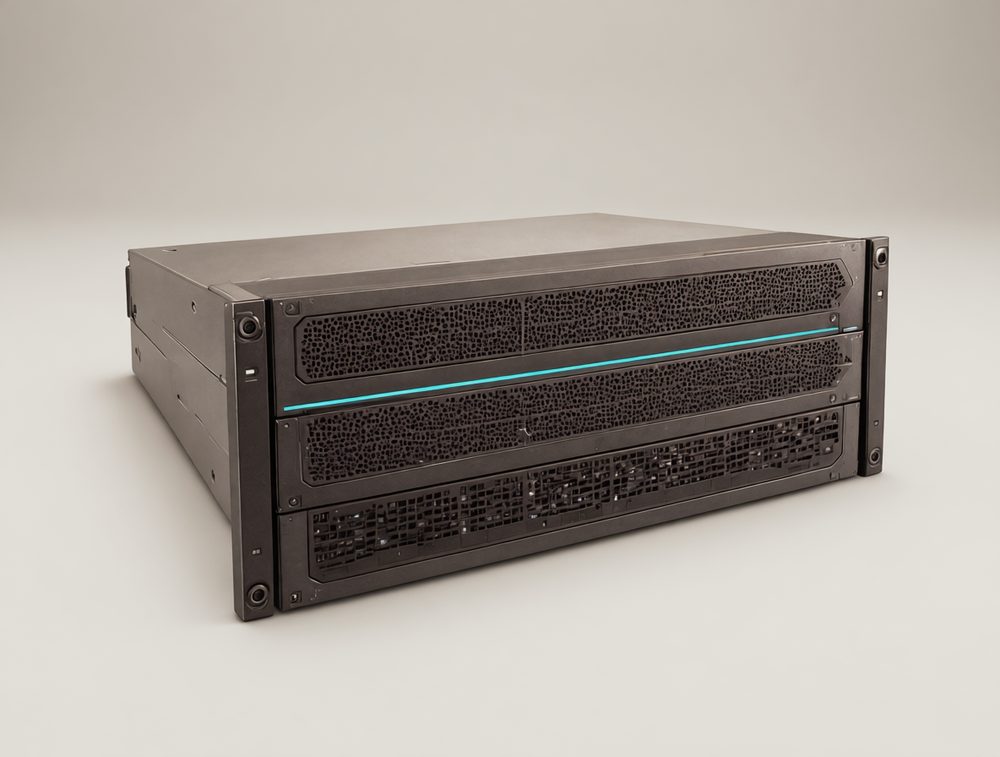
AIBox product illustration
Product images are illustrative renders; actual product may differ
Product 02 · AIBox edge AI box · WhaleStack software stack

AIBox

AIBox handles video input, model inference and result delivery. Its event verification software uses CV to screen candidate events and a large model to check whether they are valid.

  • AIBox LITE / PRO / MAX, covering 8 to 64 video channels
  • WhaleStack software stack across NVIDIA, Qualcomm, x86 GPU, and domestic Chinese chip platforms
  • Multi-channel stream pulling, decoding, frame extraction, inference, alerting, and image upload
  • Built-in event verification software: CV screening and large-model review of candidate events
  • Multiple delivery options: standard boxes, modules and core boards, ODM customization
Delivery method
Standard box / Modules and core boards / ODM customization
On-device large models
Qualcomm QCS8550 NPU running Qwen3-VL-4B, about 1.5–2.1 seconds per image*

AIBox Edge AI Box

Video capacity and performance are confirmed through tests with actual video workloads.

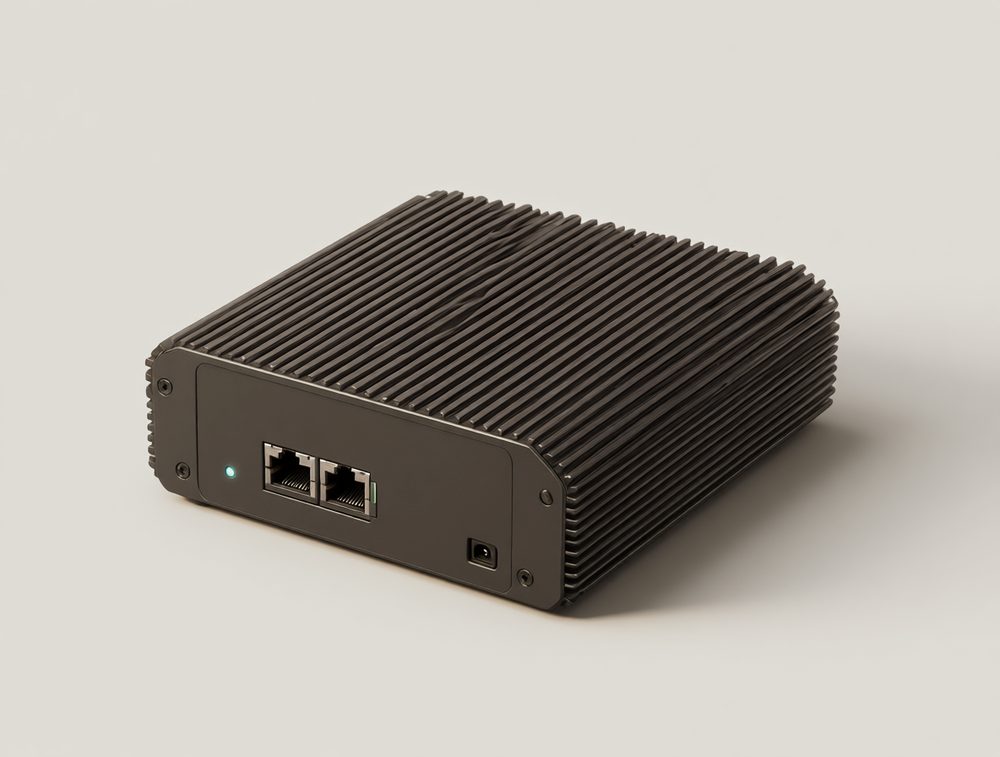
LITEAIBox LITE lightweight edge box product illustration
Lightweight edge box

AIBox LITE

Video channels
From 8 channels
Platform strategy
NVIDIA / Qualcomm / domestic Chinese chip platforms
Typical scenarios
Stores, small campuses, single-point applications
Delivery method
Standard product + options
Consult on selection
PROAIBox PRO standard edge box product illustration
Standard edge box

AIBox PRO

Video channels
16 channels, core model
Platform strategy
High-performance SoC / edge GPU
Typical scenarios
Factories, service halls, campuses
Delivery method
Standard product + options
Consult on selection
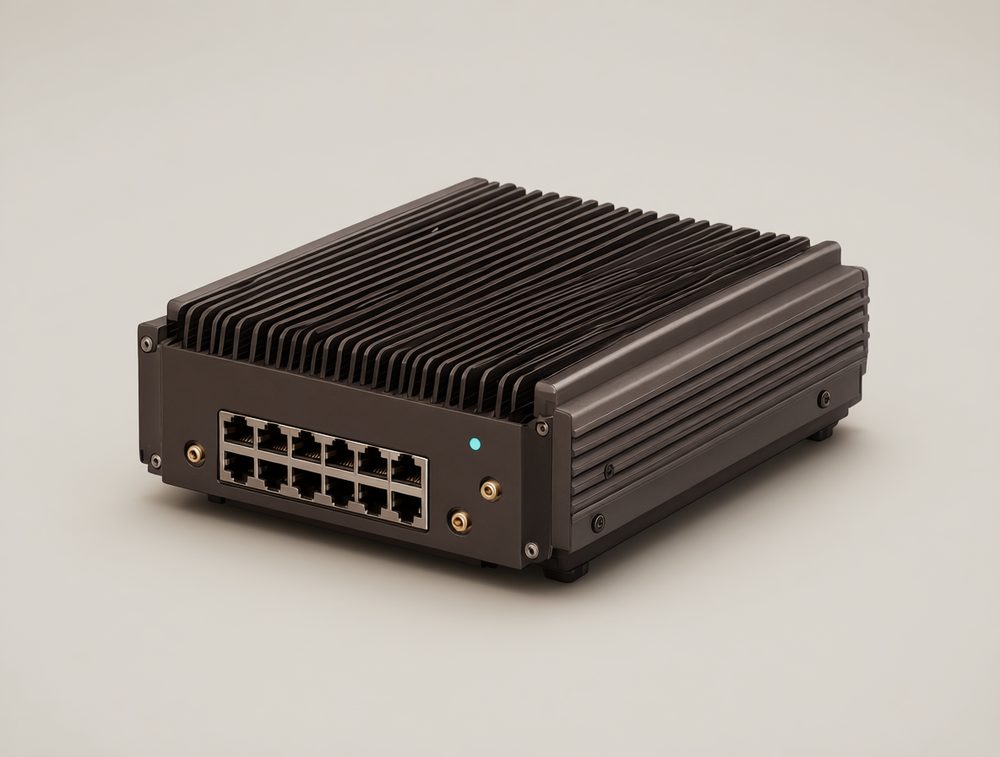
MAXAIBox MAX high-density inference node product illustration
High-density inference node

AIBox MAX

Video channels
64-channel aggregation
Platform strategy
x86 + professional GPU / multi-node
Typical scenarios
Schools, malls, large campuses
Delivery method
Standard product + options
Consult on selection
ModelAIBox LITELightweight edge boxAIBox PROStandard edge boxAIBox MAXHigh-density inference node
PositioningLightweight edge boxStandard edge boxHigh-density inference node
Video channelsFrom 8 channels16 channels, core model64-channel aggregation
Platform strategyNVIDIA / Qualcomm / domestic Chinese chip platformsHigh-performance SoC / edge GPUx86 + professional GPU / multi-node
Typical scenariosStores, small campuses, single-point applicationsFactories, service halls, campusesSchools, malls, large campuses
Delivery methodStandard product + optionsStandard product + optionsStandard product + options

WhaleStack software stack

Software support for model deployment and industry applications on chip platforms.

Industry Application LayerVideo analytics | Industrial inspection | Digital human | Robots | Smart terminals
AI Service LayerDetection / Classification / Segmentation / OCR / Face / LLM / VLM / RAG
Model Engineering LayerTraining integration | Quantization | Conversion | Operator diagnostics | Profiling | Version freeze
Runtime LayerONNX Runtime | TensorRT | Qualcomm Runtime | In-house scheduling components
System and Hardware LayerYocto / Ubuntu / Linux | NVIDIA / Qualcomm / x86 GPU / domestic Chinese chip platforms
Locally buildableFixed version baselineTransparent system boundariesCross-platform portabilityFlexible licensing

* Product images are illustrative renders; actual product may differ. Video channel counts depend on real video streams, algorithm complexity, end-to-end latency, power consumption and thermal test results. QCS8550 figures are internal test results: W4A16 quantization, 448×448 input, end-to-end latency for a single serial request.

Product 03 · AI Toy

AI Toy: Two Product Lines

Two product lines sharing one hardware base and voice pipeline: a Cultural Tourism IP Toy for scenic spots and museums, and an AI coding assistant that sits on a developer's desk.

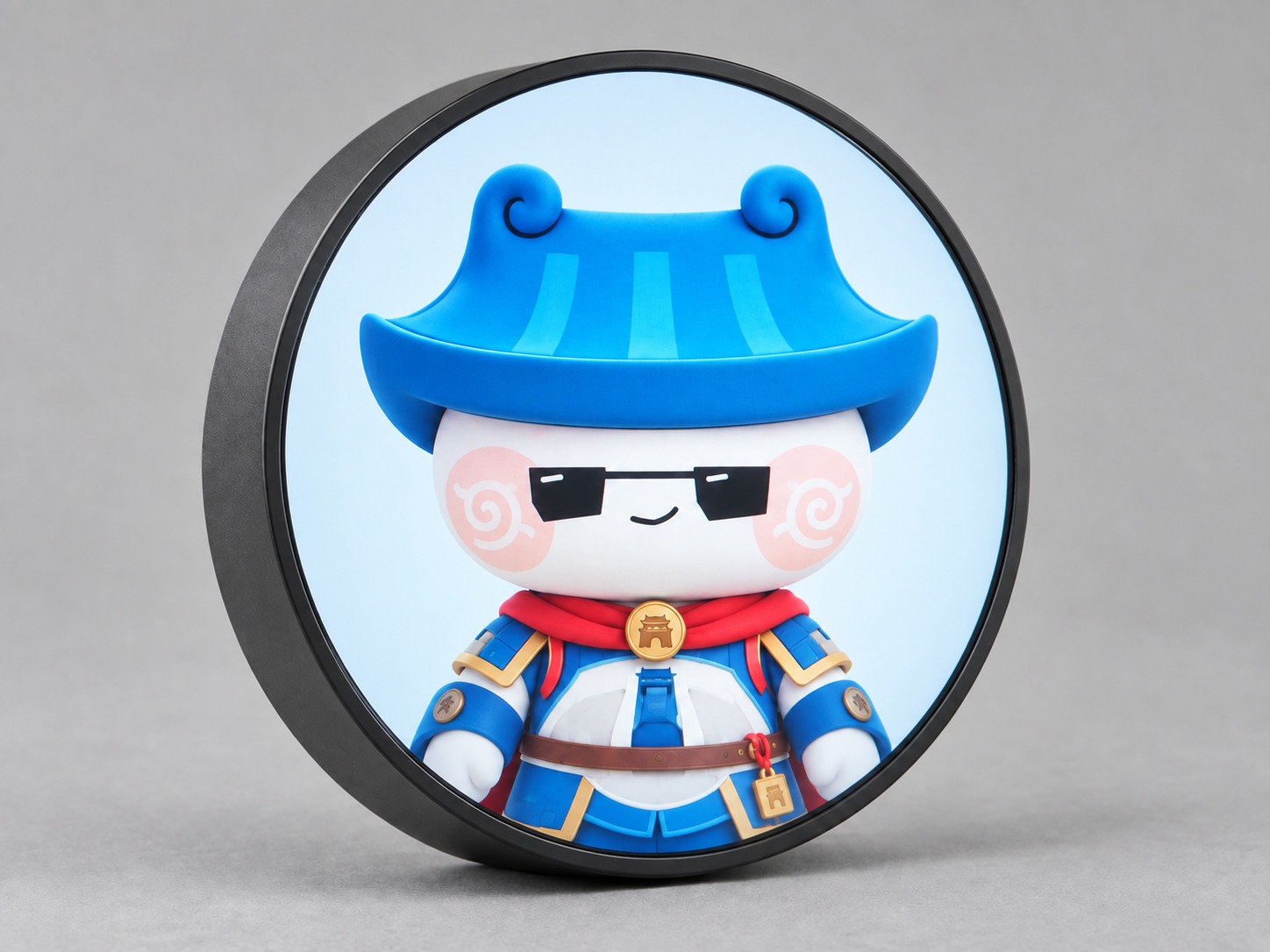
Cultural-tourism IP badge product image
AI-generated product image
Product Line 1

Cultural Tourism IP Toy

A round-screen badge you can clip to a backpack. Arrive at an attraction and a new stamp appears on the badge. The travel passport app on your phone logs every stamp you collect. The IP character on the screen can also give commentary and answer questions.

  • Round-screen badge, clipped to a backpack or clothing to carry around
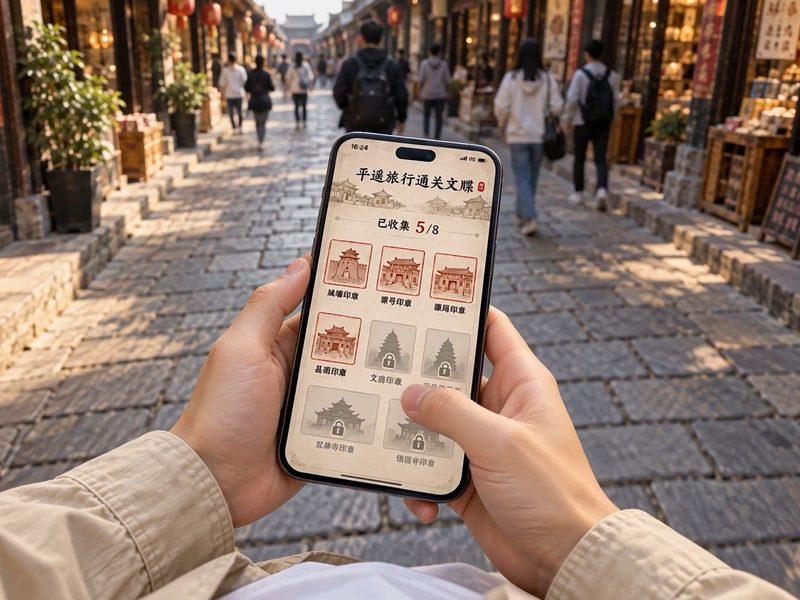
  • Earn a digital stamp when you reach an attraction; check your collection progress on your phone
  • The IP character speaks commentary and answers questions, while the screen shows "Listening / Speaking" status and subtitles in sync
  • Character, knowledge base, scripts, voice, and stamps are packaged into one content pack. Change the scenic spot, change the content.
Sales Channels
Scenic spot gift shops, museum stores, city exhibition halls
Data and Privacy
Raw recordings are not saved by default.
Form Factor
Wearable round-screen badge plus phone-based stamp collection, no robotic arm
Partnership Models
IP co-branding customization, limited edition development
Travel passport on the phone showing collected stamps
Check the stamps you collected along the way on your phone
Visitor wearing the character badge on their chest
Carry the character badge with you

Usage scenario screenshot from the concept demo video.

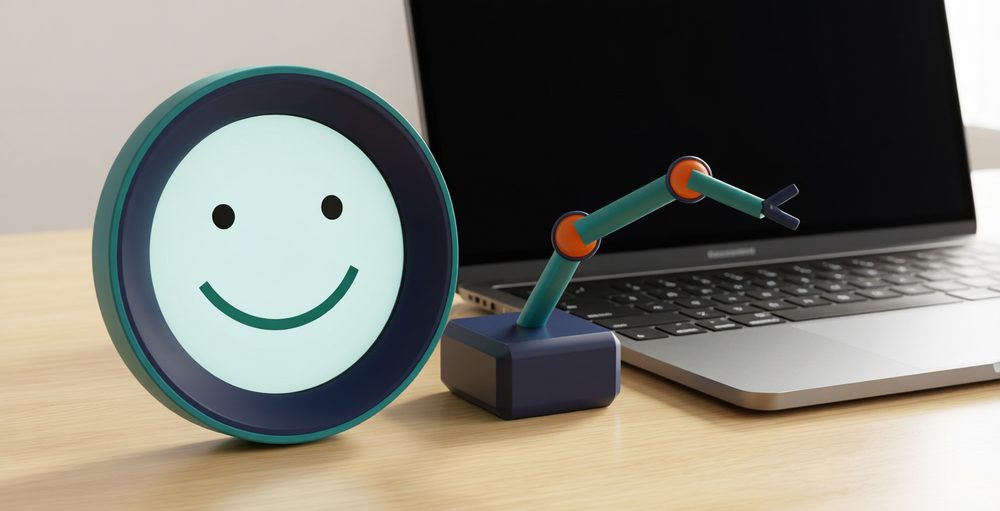
Developer Desk Assistant illustration: round screen body with a smiley face and one cyan robotic arm
Product images are illustrative renders; actual product may differ
Product Line 2

Developer Desk Assistant

A small round-screen device that sits on a programmer's desk. When AI coding assistants like Codex or Claude Code need confirmation, it alerts you. Approve or reject right on the device.

  • Round screen shows the current assistant, task progress, and tools in use
  • Shows commands, directories, and risk warnings during approval. One click to confirm.
  • 3-DOF small robotic arm uses posture to express status: hand raised, pointing, waiting, done
  • Short voice input, recognition result confirmed before sending
Hardware form factor
ESP32-S3 round touch screen + 3-DOF small robotic arm
AI execution
Models run on the PC. The device handles display and interaction only.
Safety design
E-stop and fuse. High-risk operations such as file deletion trigger a warning only and must be confirmed on the PC.
Data and Privacy
The device does not store accounts or credentials.
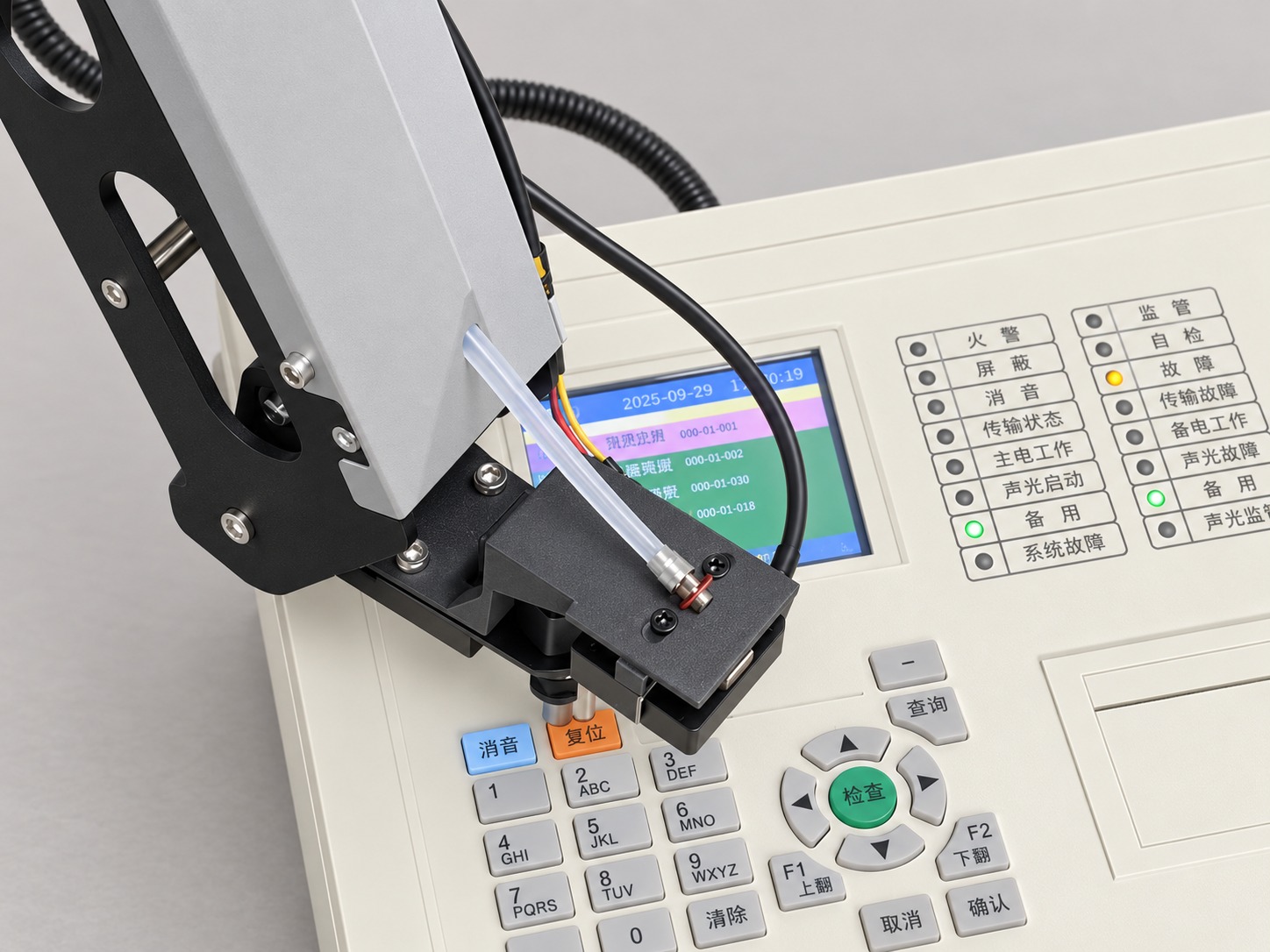
Firefighting Manipulator product illustration
AI-generated product image
Product 04 · Firefighting Manipulator

Firefighting Manipulator

A press actuator is mounted on the end of the arm to push buttons directly on the fire alarm controller panel. It works by pressing buttons, so the controller itself needs no modification.

  • Arm + press actuator, operating the controller panel button by button
  • Vision calibration to locate the panel and buttons
  • Fits fire alarm controllers already installed on site

From the first prototype to the first production batch

You can start with a prototype and validate it using your own video and data before we discuss volume delivery.